03 / Progress & backups

Terrible Lizards plushies

Free guide tools, with no account required. Terrible Lizards plushies: Track four chapter challenges with pickup landmarks, delivery points, failure, retry and saved progress in your browser.

Free guide tools · $0No accountJSON backupsSaved in this browser

The companion tools are free; the game is a separate purchase.

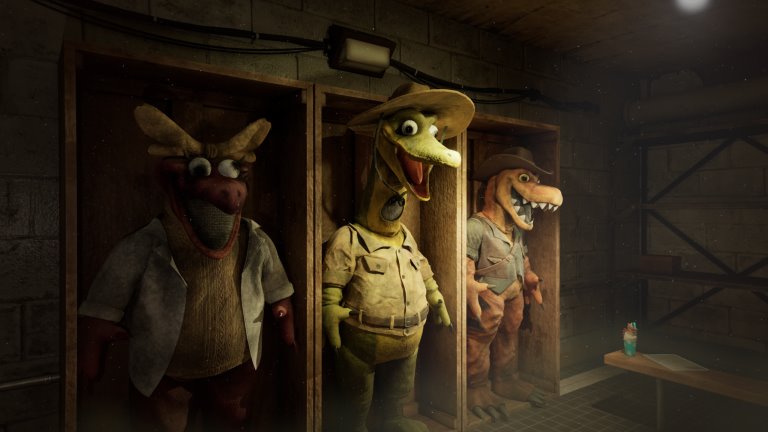
Mascot costume cabinetEnlarge image
Mascot costume cabinetDigital Pajamas
This browser only

JSON restores progress · CSV is for spreadsheets. JSON import: max 1,000,000 bytes.

Record a pickup, then mark delivery once the plush reaches its pedestal.

A retry clears the current attempt. Your saved collection stays.

After a death, the published route requires restarting that chapter and collecting the plush again. This button only resets the website record.

01
Chapter 1

Ready to start

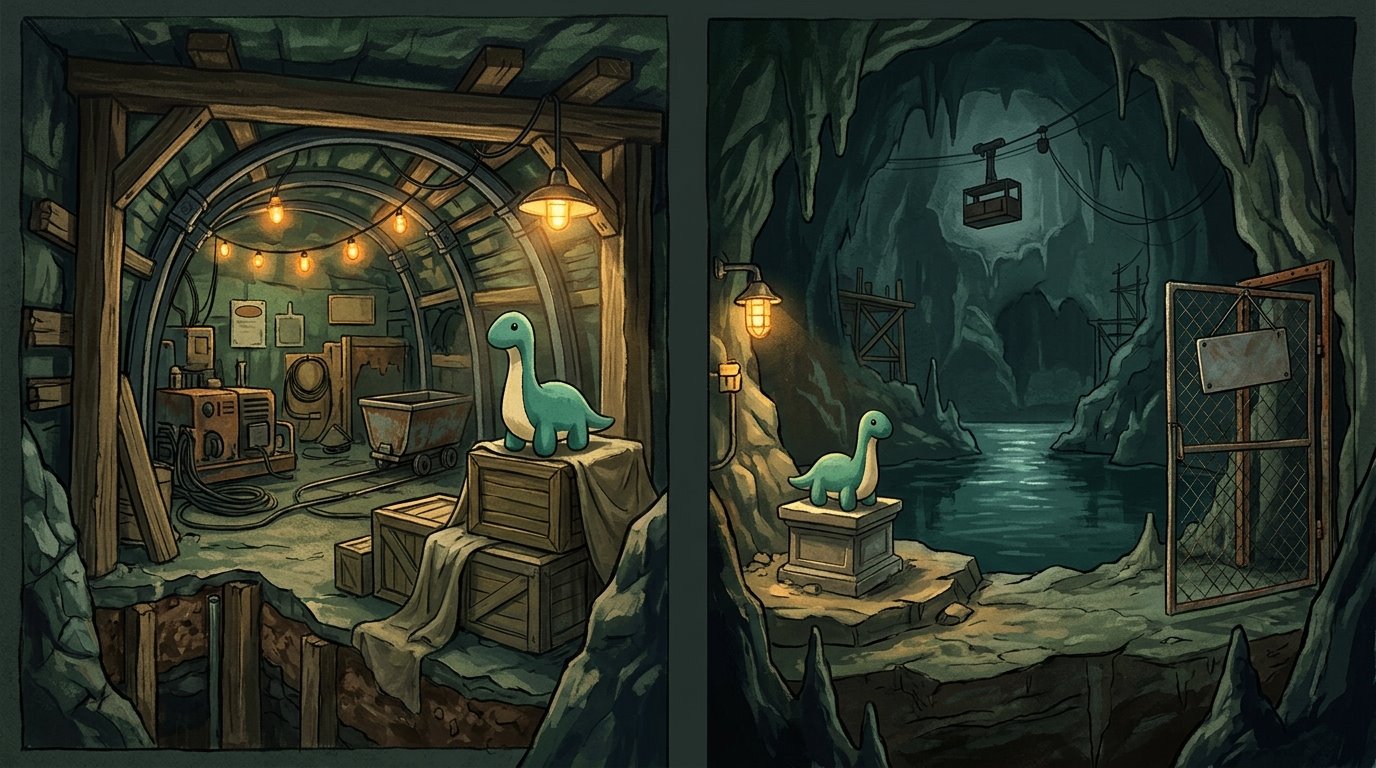
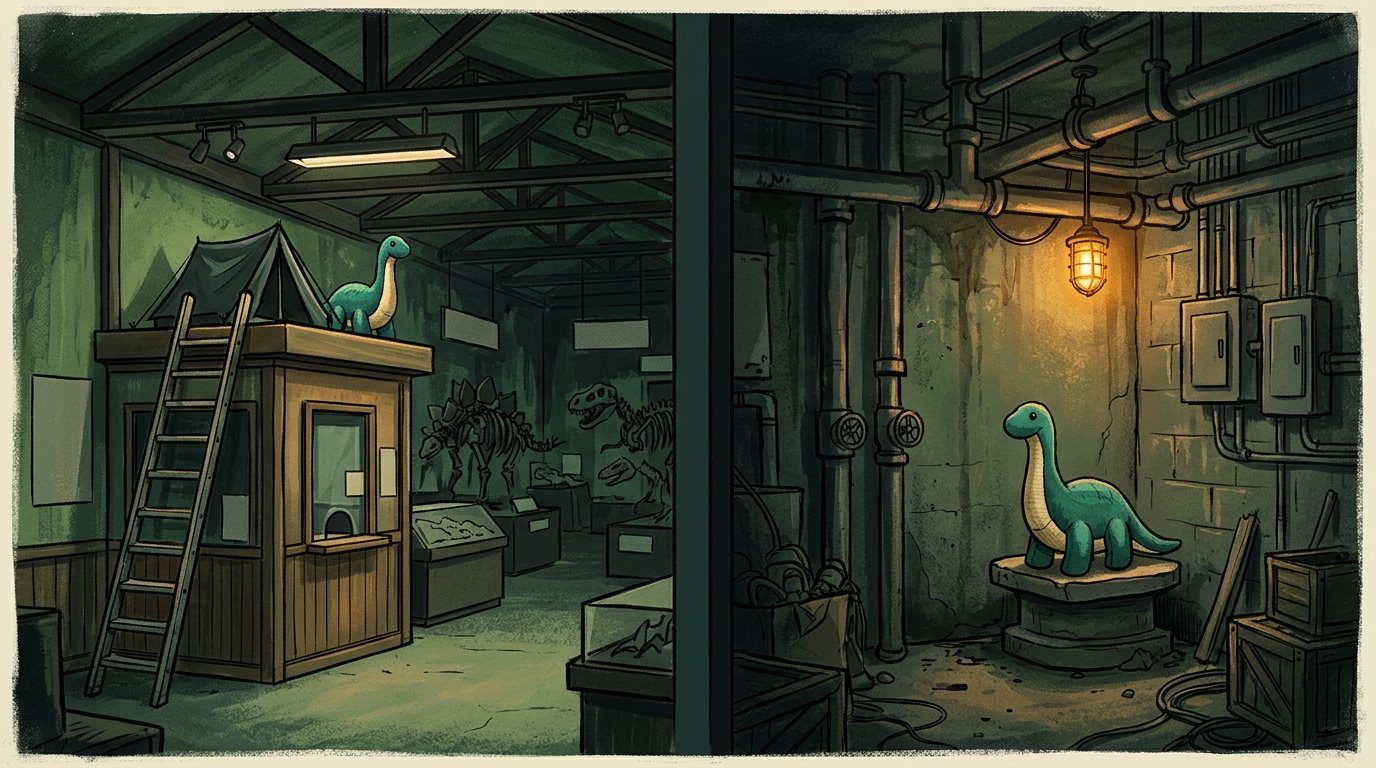
Chapter 1 · Pickup and delivery landmarks · illustrated, not an exact mapEnlarge image
Chapter 1 · Pickup and delivery landmarks · illustrated, not an exact mapOriginal illustration · AI assisted
01 · Pickup location02 · Pedestal location

Pickup location

Climb the box-office ladder; take the plush beside the tent.

Pedestal location

Place it on the pedestal in the fuse-basement corner.

The trophy guide says death loses the carried plush. Picking it up is not delivery. Reload and quit behavior still needs platform testing.

02
Chapter 2

Ready to start

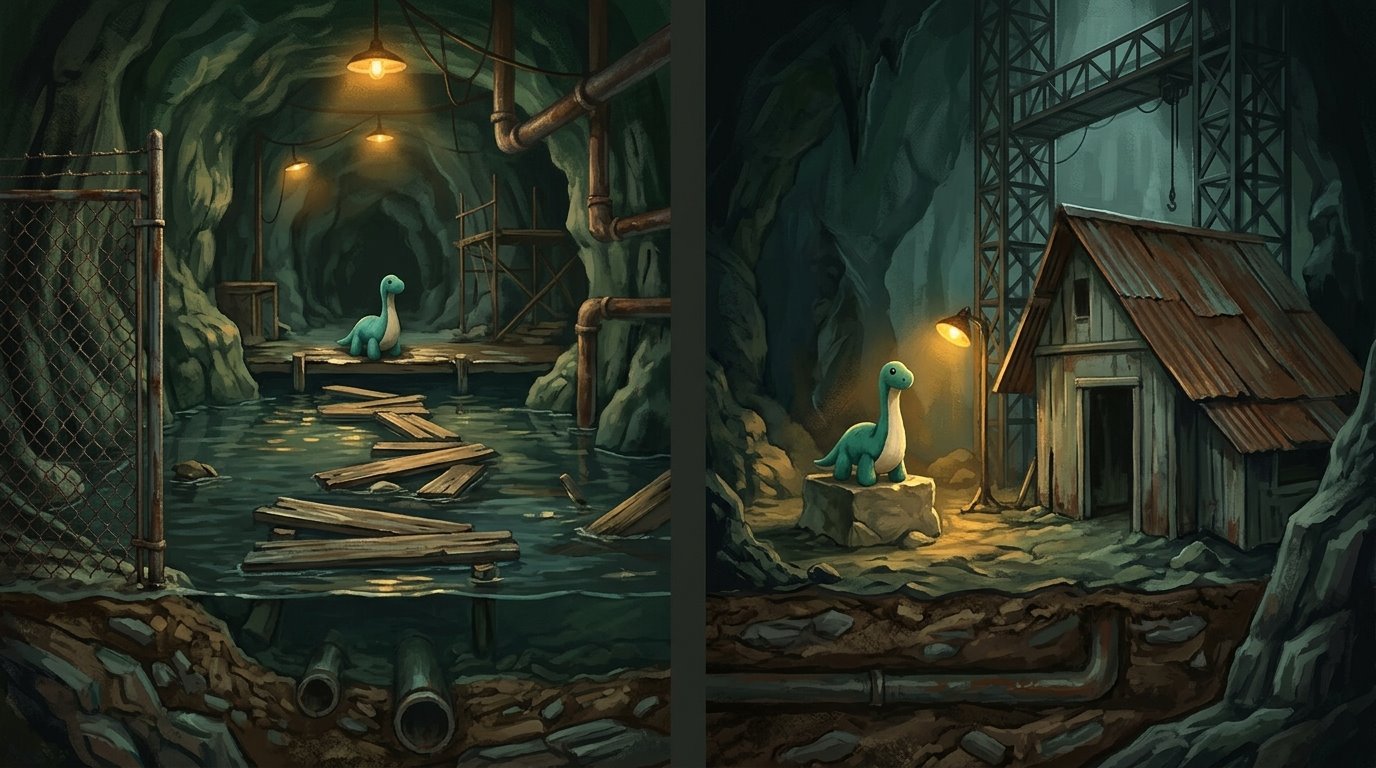
Chapter 2 · Pickup and delivery landmarks · illustrated, not an exact mapEnlarge image
Chapter 2 · Pickup and delivery landmarks · illustrated, not an exact mapOriginal illustration · AI assisted
01 · Pickup location02 · Pedestal location

Pickup location

At the chapter start, check the boxes on your right.

Pedestal location

After opening the gondola-key gate, enter the right cave; the pedestal is in the broad water cavern.

The trophy guide says death loses the carried plush. Picking it up is not delivery. Reload and quit behavior still needs platform testing.

03
Chapter 3

Ready to start

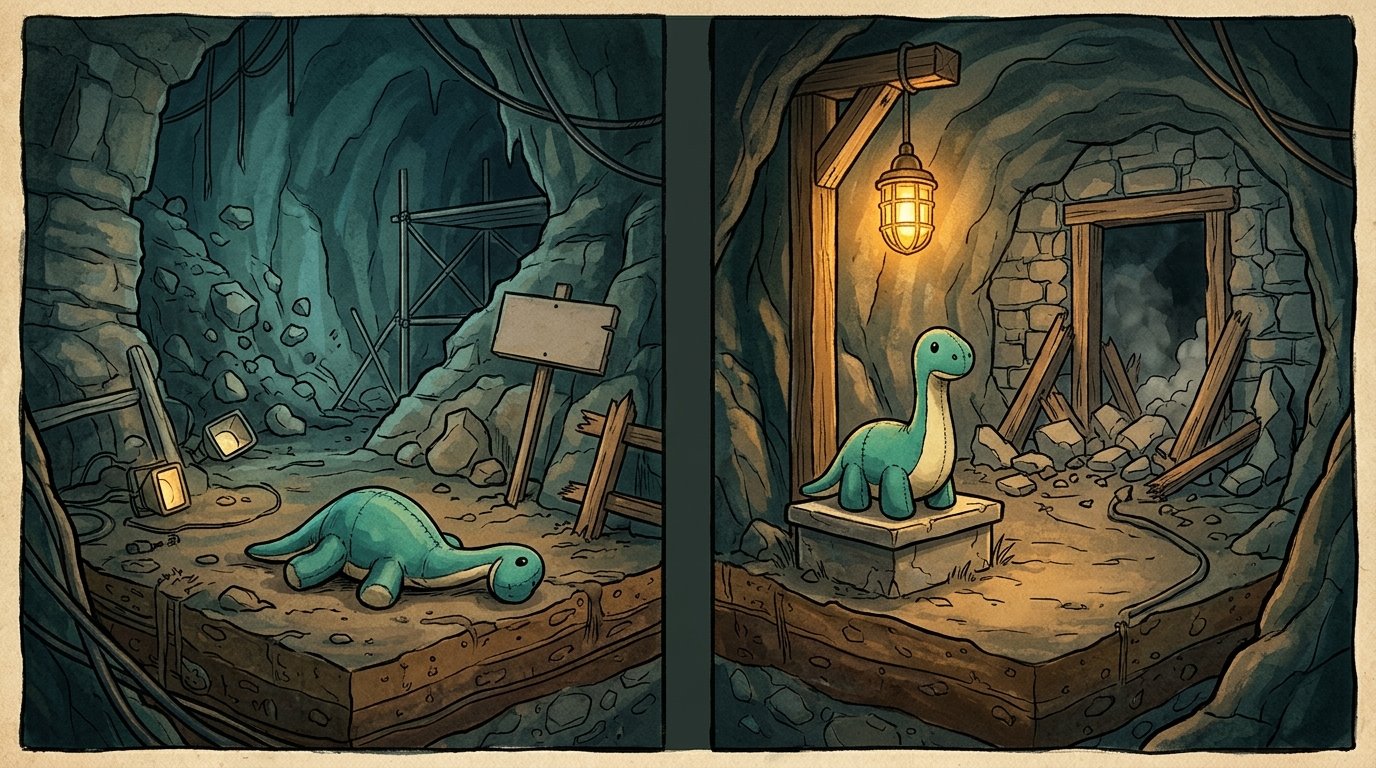
Chapter 3 · Pickup and delivery landmarks · illustrated, not an exact mapEnlarge image
Chapter 3 · Pickup and delivery landmarks · illustrated, not an exact mapOriginal illustration · AI assisted
01 · Pickup location02 · Pedestal location

Pickup location

Near the opening left-hand enclosure, cross the floating wooden planks to their end.

Pedestal location

After climbing the large metal structure, look left beside the sloped-roof building.

The trophy guide says death loses the carried plush. Picking it up is not delivery. Reload and quit behavior still needs platform testing.

04
Chapter 4

Ready to start

Chapter 4 · Pickup and delivery landmarks · illustrated, not an exact mapEnlarge image
Chapter 4 · Pickup and delivery landmarks · illustrated, not an exact mapOriginal illustration · AI assisted
01 · Pickup location02 · Pedestal location

Pickup location

After the opening chase, collect it from the ground when control returns.

Pedestal location

After blasting the late doorway, check the left edge of the onward path.

The trophy guide says death loses the carried plush. Picking it up is not delivery. Reload and quit behavior still needs platform testing.

Keep each attempt unambiguous

Check both ends before starting

Open the pickup and delivery directions for the same chapter before recording an attempt. The illustrations distinguish landmarks; they do not establish exact jumps or distances. Mark carrying only after collecting the plush in your game, and mark delivery only after placing it on that chapter’s pedestal.

Correct the state, not the whole collection

After a failed carry, record failure and use Try again to return this chapter to ready. Record a new pickup only after doing it in the game. If you accidentally marked delivery, use the explicit undo-delivery control. A normal retry cannot erase a completed delivery or restart the game for you.

Review the four chapters without overwriting a run

A CSV snapshot is useful for comparing recorded chapter states in a spreadsheet or sharing a plan. Keep JSON for restoration; CSV cannot be imported. Before replacing a browser record, export its JSON and review the import preview. JSON files must be at most 1,000,000 bytes. Sharing either file shares your manual progress, not proof of a successful in-game run.

Player questions

Terrible Lizards plushies

Does picking up a plush count as delivering it?

No. Pickup starts the carrying attempt; delivery means placing the carried plush on the chapter’s pedestal. Mark Delivered only after you confirm that action in the game. The website cannot detect whether the plush reached its destination.

What should I do if I die while carrying a plush?

The published trophy guide says to restart the chapter through Level Select and collect the plush again after losing it. The website records that failed attempt separately. Reloading, quitting and platform-specific save behavior still need gameplay verification.

Does Try again restart my game chapter?

No. Try again only returns this website’s failed attempt to its starting state. You still perform the restart and pickup in the game. Ordinary collectible checkmarks and another chapter’s completed plush delivery are preserved.

Why is a delivered plush not cleared by an ordinary retry?

A successful delivery is a completed record. Clearing it requires the explicit undo-delivery action, rather than a retry intended for failed attempts. Use that action only when you want to correct or remove the recorded completion.

Are there routes for all four chapters?

Yes. Each chapter has a documented pickup landmark, delivery landmark and the same separate attempt states. Choose the correct chapter before marking an action, and consult its location text rather than assuming that every plush follows the same route.

Are the plush pictures exact screenshots or maps?

They are original AI-assisted landmark illustrations, clearly labeled as illustrations. They help distinguish pickup and delivery contexts but do not reproduce exact geometry or game assets. Use the written directions and linked source to check the actual location.
Progress backup

Progress stays in this browser. Export a backup before changing devices or clearing browser data.

This tracker does not change your game save or unlock achievements.

Choose a progress backup exported from this site.


Review this backup

Replace the saved checklist and challenge records with this backup? You can undo this change.

Reset your tracker?

This clears progress saved in this browser. Export a backup first if you want to keep it.

Image viewer